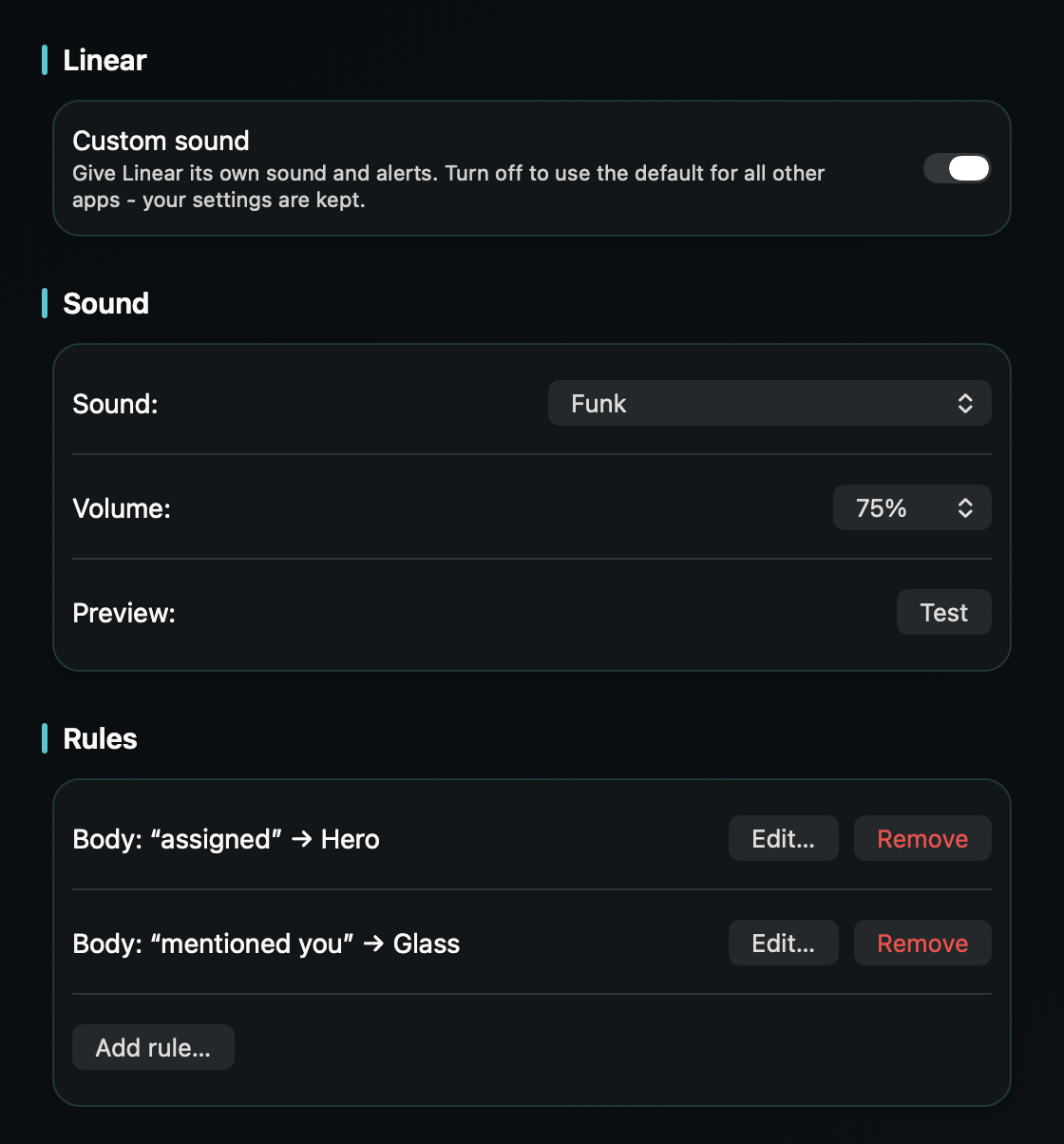
So an issue assigned to you or an @mention reaches you the moment it lands - without every subscribed update sounding just as urgent.
macOS plays one alert sound for every notification and only lets you switch an app's sound on or off - never change it. Linear's native Mac app labels its banners cleanly, but they all still share your Mac's one alert sound, so an issue assigned to you pings exactly like a comment on something you're only loosely following.
Linear moves fast, and its Inbox reflects that: subscribe to a project or an issue and you'll hear about status changes, new comments, and label edits. The notifications that actually need you - an assignment, an @mention, a triage item - arrive in the same stream, at the same volume, as all the background activity.
TrillMark reacts to the banner Linear's app already shows. Add Linear, give it a sound and a color, and because TrillMark can read the notification's text, you can add a rule that fires only for what needs you - an issue assigned to you, an @mention of your name, or a triage item - while subscribed activity stays quiet.
So an assignment or an @mention arrives as a louder sound you recognize plus a labeled flash, and the background hum of project updates stays soft or silent. It's a different job from a code-review ping in GitHub - this is your team's issue tracker telling you something is now yours.
It reads that text only on your Mac, only to decide how to react, and never sends it anywhere.
Give Linear its own sound and a colored, labeled flash. One‑time purchase, up to 3 Macs. Apple silicon and Intel, macOS 14+.
Not with Linear or macOS alone - Linear lets you choose what you're notified about, but the notification uses your Mac's single alert sound, and macOS only lets you turn that sound on or off. TrillMark reacts to the banner and plays a sound you choose, with a colored, labeled flash.
Yes. Because TrillMark can read a notification's text, you can add a rule that plays a distinct sound only when the banner mentions your name, an assignment, or a triage item, while subscribed activity stays quiet. The text is read only on your Mac and never leaves it.
They cover different work. Linear is your team's issue tracker - assignments, @mentions, and triage from its native Mac app; GitHub is code review and CI, usually through the browser or email. You can give each its own sound in TrillMark so you can tell them apart by ear.