So the email you’ve been waiting on is something you hear the moment it lands - not one more identical chime you check an hour later.
The Mail app plays your Mac’s single alert sound for new mail - the same sound as Slack, a reminder, or anything else - and macOS only lets you switch it on or off. So an email from your boss and a marketing newsletter announce themselves identically.
Mail has a VIP feature and its own notification controls, but none of them let you give mail a distinct sound, or a different sound for the senders that actually matter.
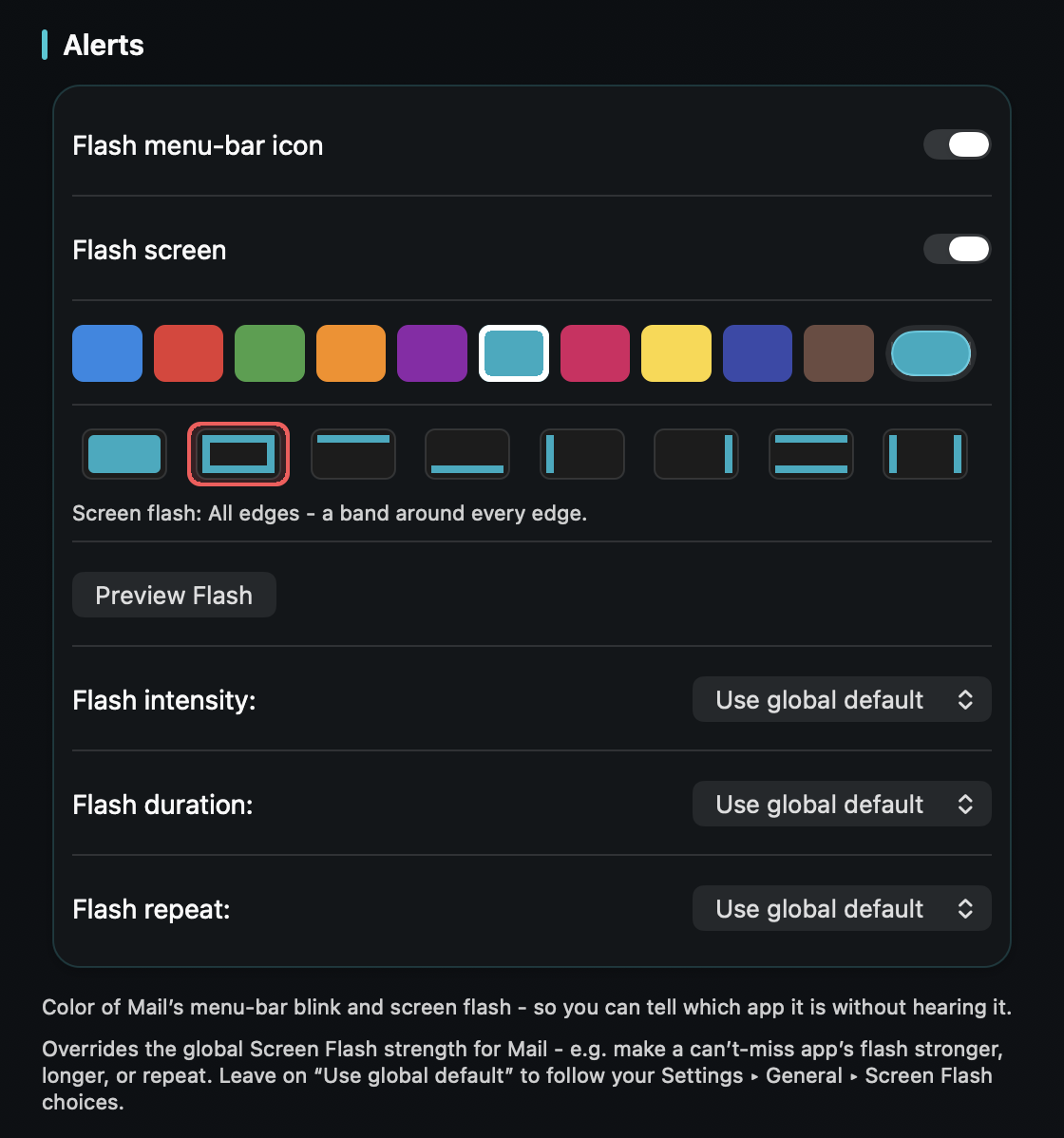
TrillMark reacts to Mail’s banner. Add Mail, pick a sound and a color, and new mail arrives as a sound you know plus a labeled flash - so email never hides among your other notifications.
Because TrillMark reads the notification’s text, you can add a rule that plays a louder, distinct sound only when a message is from a specific sender or its subject contains something you’re watching for - “invoice,” a client’s name, “urgent” - while everyday mail stays soft. Pair it with Mail’s VIPs for a quiet inbox that still speaks up when it should.
It reads that text only on your Mac, only to decide how to react, and never sends it anywhere - which matters for email.
Give Mail its own sound and a colored, labeled flash. One‑time purchase, up to 3 Macs. Apple silicon and Intel, macOS 14+.
Not a truly distinct one from macOS alone - Mail uses your Mac’s single alert sound, and while Mail’s rules can play a built-in sound, macOS only lets you switch the notification sound on or off. TrillMark reacts to the banner and plays a sound you choose, with a colored, labeled flash and per-sender rules.
Yes. Add a rule that matches that sender’s name or a subject keyword and give it a louder, more distinct sound, while everyday mail stays soft. The text is read only on your Mac and never leaves it.
Yes - they complement each other. Use VIPs to decide which mail notifies you at all; TrillMark then decides how it sounds and looks so VIP mail is unmistakable.