So an @mention or a call is something you actually notice - and the rest of Teams' constant activity isn't just more of the same chime.
macOS plays one alert sound for everything and only lets you switch an app's sound on or off - not change it. So a Teams ping sounds like every other notification, and Teams sends a lot of them: channel posts, replies, reactions, mentions, and calls all arrive the same way.
When it all sounds identical, you either tune Teams out entirely and miss the message that mattered, or you stop and check every time. Neither is great.
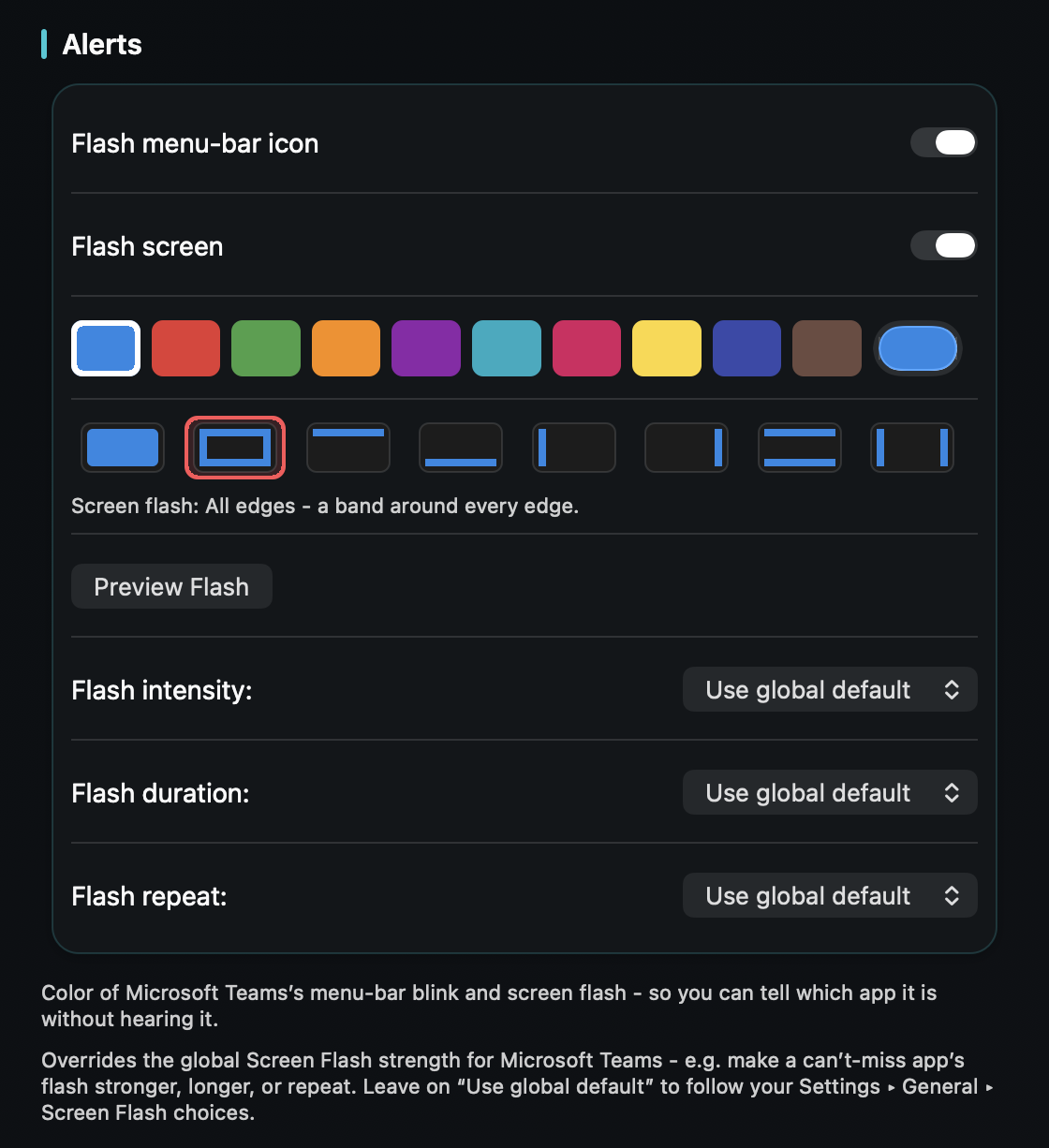
TrillMark reacts to the notification banners macOS already shows. Add Teams, give it a sound you'll recognize and a color, and every Teams notification arrives as a sound you know plus a flash labeled “Microsoft Teams,” so you can tell it apart at a glance.
Because TrillMark can read the notification's text, you can add a rule that plays a louder, unmistakable sound only when a message @mentions you or when it's a call, while routine channel activity stays soft or silent. Combine that with Teams' own per-channel settings and the pings that matter finally stand out.
The text is read only on your Mac, only to decide how to react, and never leaves your machine.
Give Microsoft Teams its own sound and a colored, labeled flash. One‑time purchase, up to 3 Macs. Apple silicon and Intel, macOS 14+.
Not with Teams or macOS alone - Teams uses your Mac's single alert sound, and macOS only lets you turn an app's notification sound on or off. TrillMark reacts to the Teams banner and plays a sound you choose, with a colored, labeled flash, so it's easy to recognize.
Yes. TrillMark can read a notification's text, so you can add a rule that plays a louder sound only when a Teams message mentions you or is a call, while everything else stays quiet. The text is read only on your Mac and never leaves it.
Yes - they're the best way to reduce how much Teams notifies you in the first place. TrillMark then makes the notifications that get through instantly recognizable by sound and color.