So a private message reaches you as a sound you recognize - without a banner that shows the whole room who wrote and what they said.
Signal is built to keep messages private, so its notifications can be set to hide the sender and the message - you might see only “Signal” or “You have a new message.” That’s good for privacy, but it means the banner carries little to tell apart, and on a Mac it uses the same single alert sound as everything else.
macOS only lets you switch Signal’s sound on or off, so a private message you care about sounds exactly like a newsletter.
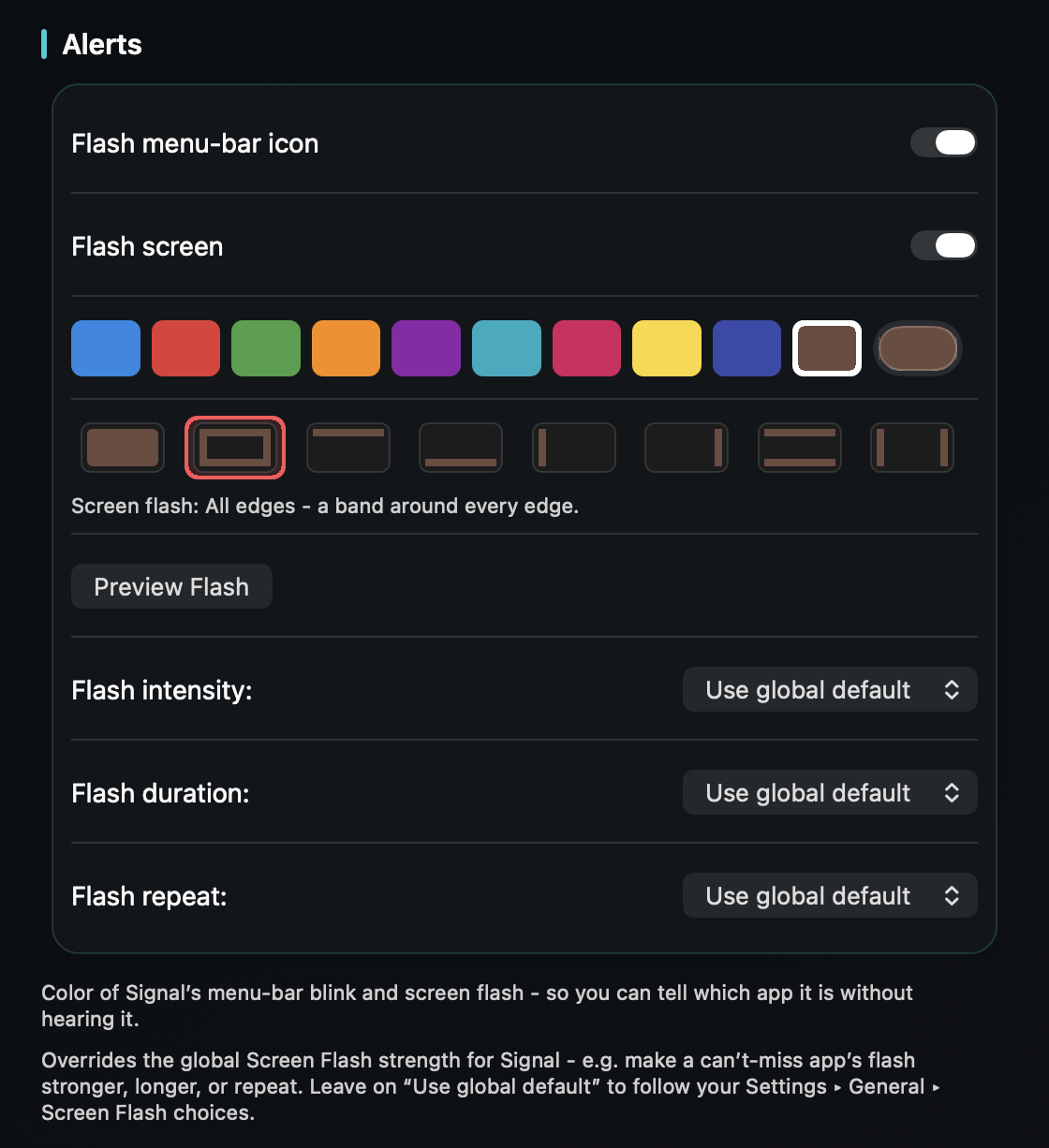
TrillMark reacts to Signal’s banner. Even when the banner hides who and what, TrillMark can give Signal its own sound and a labeled flash, so you know a private message arrived without the screen showing anyone the content.
If you keep sender names visible, you can go further with a rule that gives a specific person a louder, distinct sound.
Crucially, TrillMark reads whatever the banner shows only on your Mac, only to decide how to react, and never sends it anywhere - the same principle Signal is built on. And if the banner hides content, there’s nothing to read at all.
Give Signal its own sound and a colored, labeled flash. One‑time purchase, up to 3 Macs. Apple silicon and Intel, macOS 14+.
Yes. TrillMark keys off the fact that it’s Signal at all, so even a content-hidden “you have a new message” banner can get its own sound and a labeled flash - no message content needed.
It reads only the notification banner, only on your Mac, only to decide how to react - and never sends it anywhere. If you set Signal to hide content, there’s nothing in the banner to read.
Only if you keep sender names visible in Signal’s notification settings. Then you can add a TrillMark rule that matches that name and gives it a louder, distinct sound.