So a message from a friend doesn’t sound exactly like the twentieth post in a channel you follow for fun.
Telegram is chatty by design - private chats, groups, and channels all push notifications, and on a Mac they all borrow the same single alert sound. A note from a friend and a meme in a public channel arrive identically.
Telegram has rich in-app notification settings, but on macOS the actual banner sound is still the system’s, and macOS only lets you switch it on or off - not make it distinct from your other apps.
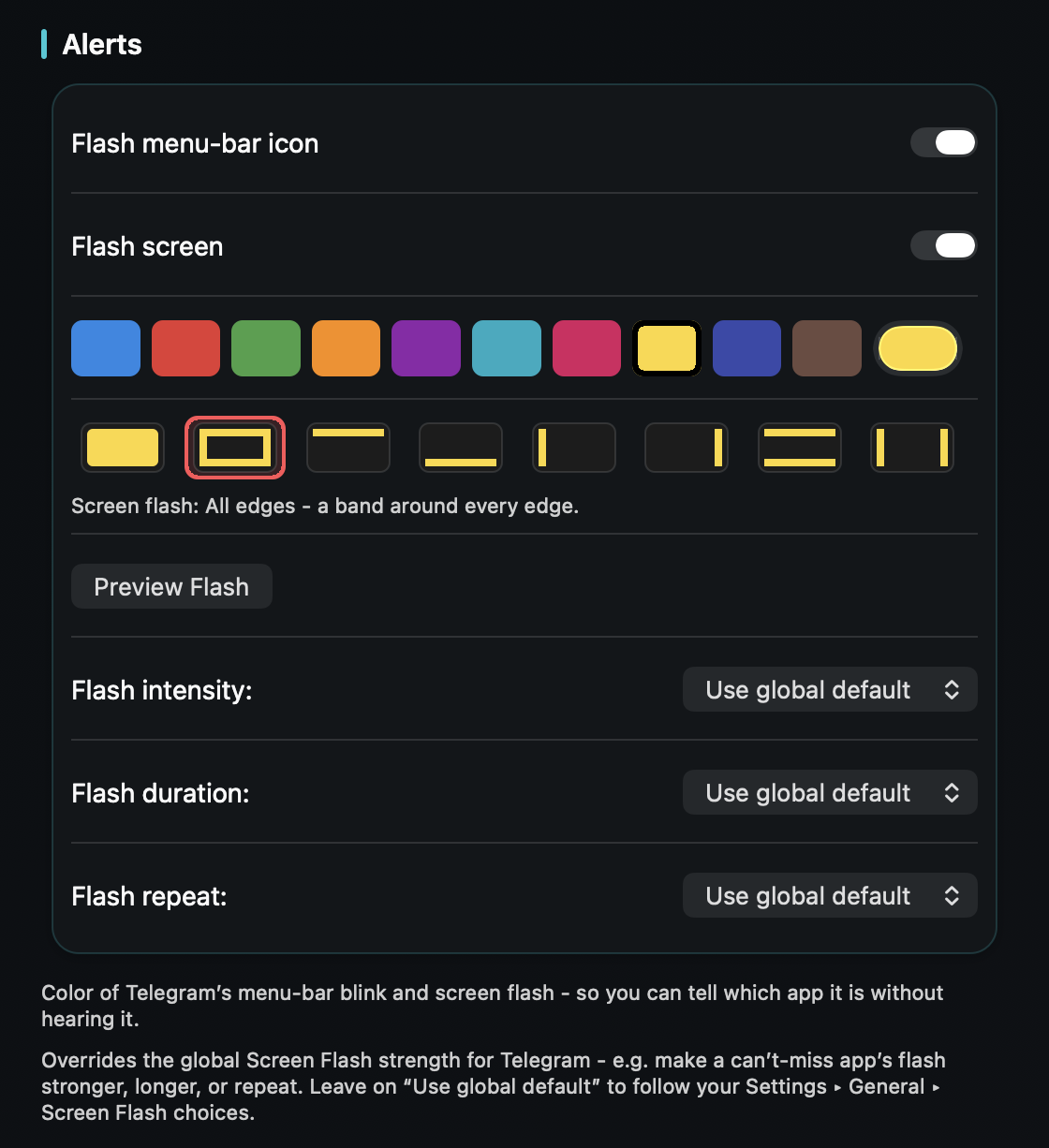
TrillMark reacts to Telegram’s banner. Add Telegram, choose a sound and a color, and its messages arrive as a sound you recognize plus a labeled flash.
Because TrillMark reads the notification, you can add a rule that gives a louder sound to a private chat or a specific name, while channels and groups get a soft tone or none at all - so the people beat the noise.
It reads that text only on your Mac, only to decide how to react, and never sends it anywhere - a fit for a privacy-minded messenger.
Give Telegram its own sound and a colored, labeled flash. One‑time purchase, up to 3 Macs. Apple silicon and Intel, macOS 14+.
Telegram’s own settings control which chats notify you, but on the Mac the banner uses your system’s single sound, which macOS only lets you switch on or off. TrillMark reacts to the banner and plays a sound you choose, with a colored, labeled flash.
Usually yes. A channel or group banner tends to show its name and a private message shows a person’s name, so a rule can lift private chats above the rest. The text is read only on your Mac and never leaves it.
Yes. If Telegram doesn’t post a banner for a muted channel, there’s nothing for TrillMark to react to, so it stays silent.