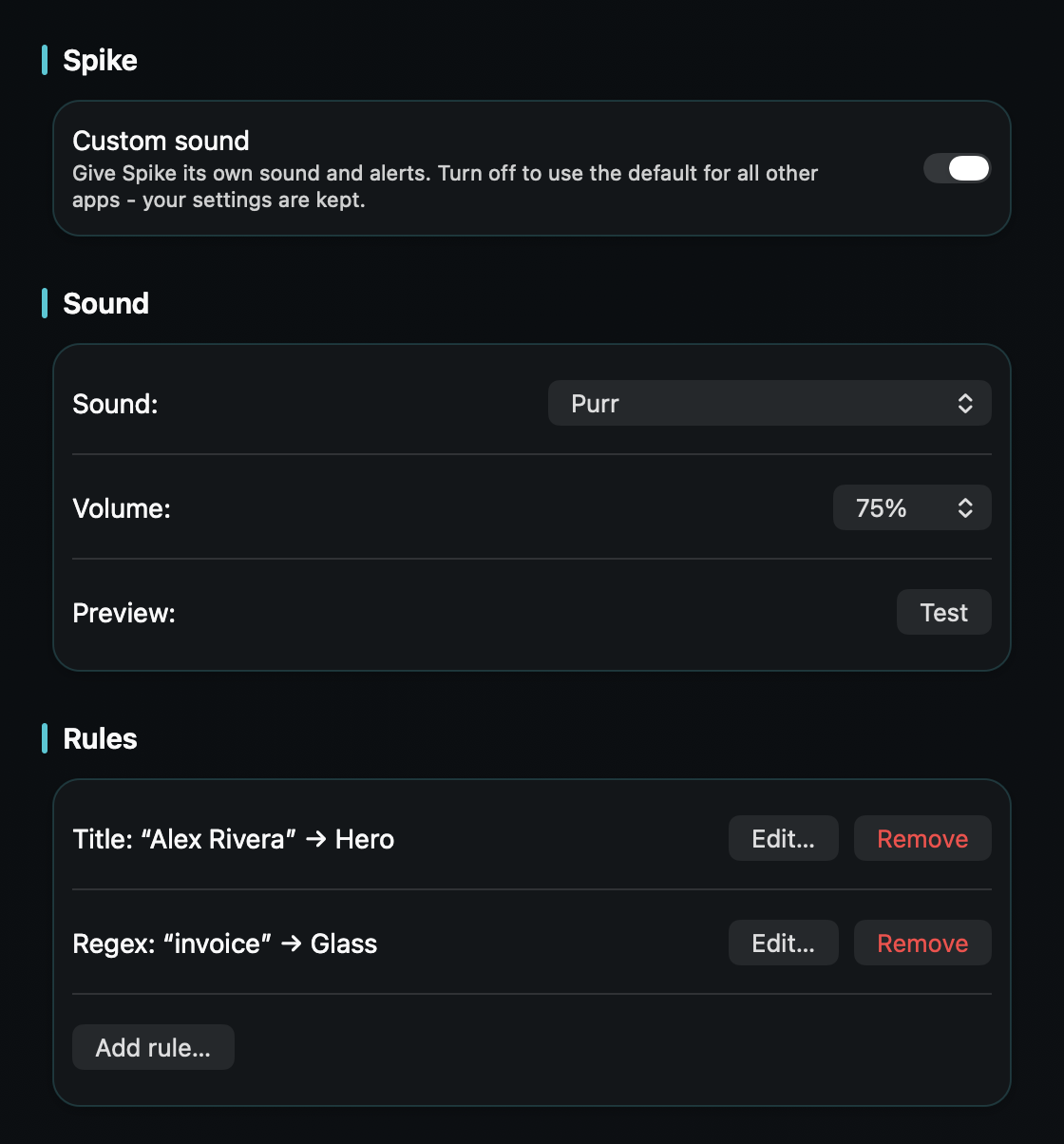
So the sender you're waiting on - a client, a contract, the one thread that matters today - reaches you distinctly, instead of sounding like everything else Priority lets through.
Spike turns email into chat, and its Priority Inbox already keeps newsletters and receipts out of your face - that's half the battle won. But everything Priority does let through arrives with one sound: macOS plays a single alert chime for every notification and only lets you switch an app's sound on or off, never change it.
So the client reply you keep checking for sounds exactly like a colleague's FYI. And chat-speed email raises the stakes - more messages, smaller messages, all sharing that one chime.
Spike has a native Mac app, so TrillMark reacts to the banner it already shows. Add Spike, give it a sound and a color, and because TrillMark can read the notification's text, add a rule for what you're actually waiting on: the text contains a sender's name, or a word from the subject - “contract,” “invoice,” the project's name.
So that one reply arrives as a louder sound you recognize plus a colored flash labeled with the app's name, while the rest of Priority stays soft. Spike decides what's worth showing you; TrillMark decides what's worth interrupting you.
It reads that text only on your Mac, only to decide how to react, and never sends it anywhere.
Give Spike its own sound and a colored, labeled flash. One‑time purchase, up to 3 Macs. Apple silicon and Intel, macOS 14+.
Not with Spike or macOS alone - Spike lets you choose which messages notify you, but the notification uses your Mac's single alert sound, and macOS only lets you turn that sound on or off. TrillMark reacts to the banner Spike shows and plays a sound you choose, with a colored, labeled flash.
Yes. Because TrillMark can read a notification's text, a rule that matches a sender's name or a subject keyword plays its own distinct sound - louder if you want, up to 200% - while the rest of your Priority Inbox stays soft. The text is read only on your Mac and never leaves it.
Spark is a classic inbox with smart people-only notifications - that guide layers a sender rule on top. Front is your team's shared inbox. Spike is your own inbox as chat, with Priority doing the sorting - so this rule picks the one sender or thread out of everything Priority lets through.