So a successful payment - a checkout, a subscription renewal, a paid invoice - announces itself with a sound you chose the moment it lands, without keeping the Dashboard open.
Stripe's payment ping lives on your phone - the Dashboard mobile app can push on every successful payment. But there's no Stripe app for the Mac, and while you're working at your desk with the phone face-down, the payment you've been building toward announces itself with nothing at all.
The dependable desktop signal is one Stripe already offers: an email when a payment succeeds. The trouble is that it lands in your mail app with the same chime as every newsletter and receipt - macOS plays one alert sound for everything and only lets you switch it on or off, never change it. Getting paid deserves better than sounding like the rest of your inbox.
TrillMark reacts to the banner your mail app already shows. Add Mail (or the mail app you use), and because TrillMark can read the notification's text, add a rule that fires only for payments - the text contains “Stripe” or “payment” - so getting paid gets its own sound while the rest of your inbox stays ordinary.
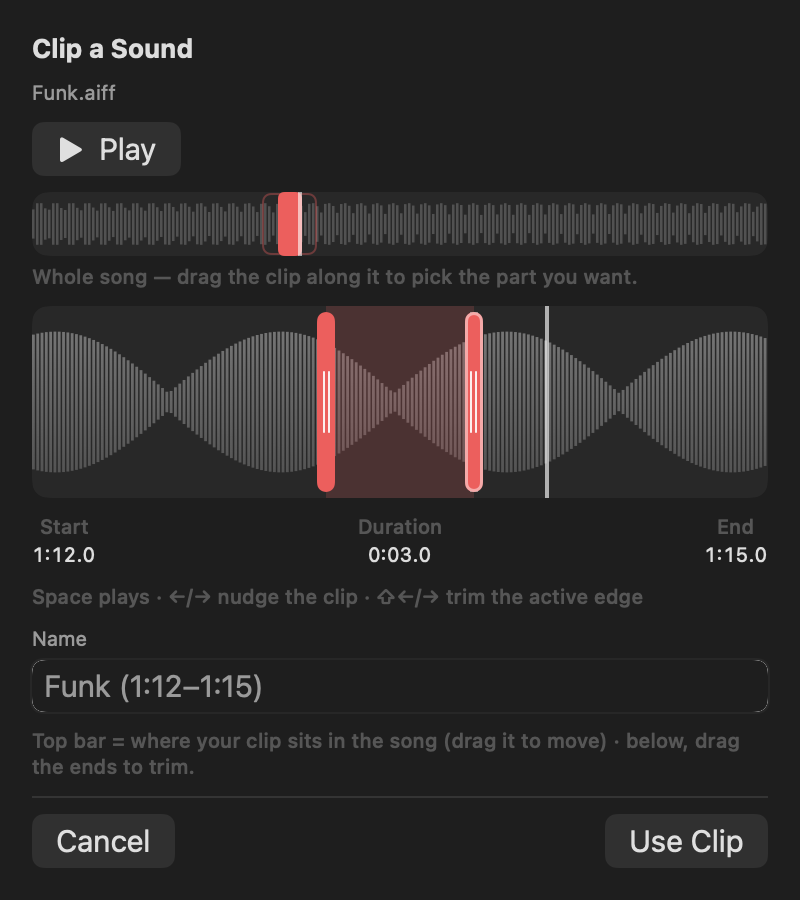
Then make the sound yours. Pick one of TrillMark's bundled tones, or clip the exact cha-ching you want from any recording - a few seconds is all it takes - and add a colored flash labeled with the app's name, so a payment registers even with the volume down.
It reads that text only on your Mac, only to decide how to react, and never sends it anywhere.
Give Stripe its own sound and a colored, labeled flash. One‑time purchase, up to 3 Macs. Apple silicon and Intel, macOS 14+.
No - Stripe's apps are the web Dashboard and the mobile app, so on a Mac a payment has no sound of its own. The dependable desktop signal is Stripe's successful-payment email, and TrillMark turns exactly that into a sound you chose: a rule that matches the payment email plays your cha-ching, with a colored, labeled flash.
Yes. Add the browser instead of Mail and match “Stripe” or “payment” in the rule, the same browser-source approach as the Gmail guide. The rule fires for payment notifications, not everything the browser speaks for.
Shopify is a store - that guide turns the staff order-notification email into a cha-ching for orders. Stripe is payments wherever you charge: your own checkout, SaaS subscriptions, invoices. Both end the same way - an email your Mac already gets, matched by a rule, played as the sound you chose. If Stripe is your billing, start here.